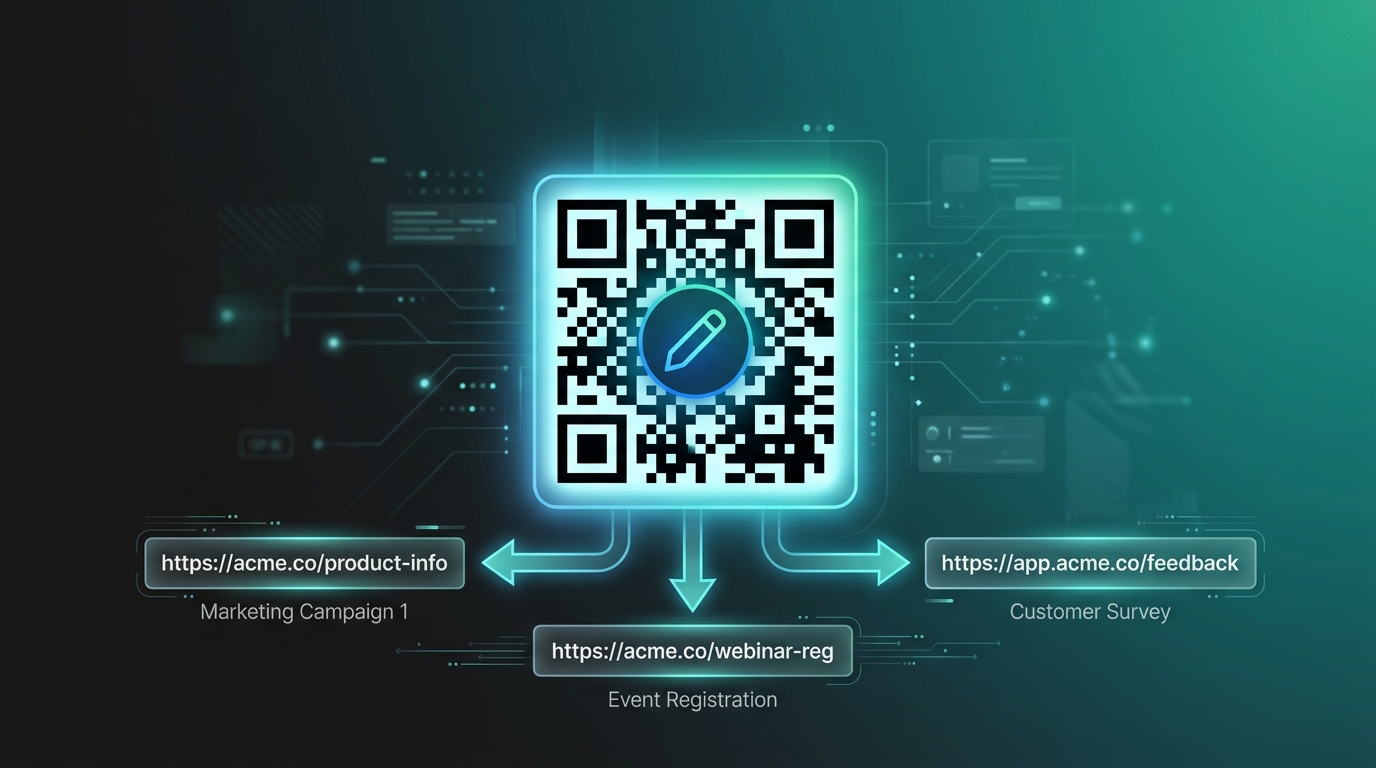
Introduction: Can You Add Videos to a Printed Children's Book?
Yes. A printed children's book can be connected to videos and other digital content using QR codes.
This gives publishers a simple way to combine the familiar experience of reading a physical book with the additional possibilities of digital content.
A child can read a page, find a QR code, scan it with a smartphone or tablet, and open a related video. The video might explain a concept, tell a story, demonstrate an activity, show an animation, or provide additional learning content.
The physical book does not need to become an app or completely digital product. The QR code simply creates a bridge between the printed page and the online experience.
For publishers looking to create this type of interactive experience, platforms such as QRoute can help manage QR codes and connect printed materials with digital destinations.
What Is a QR Code Video Book?
A QR code video book is a physical book that uses QR codes to connect selected pages, chapters, stories, or activities with video content.
For example, imagine a children's science book explaining how plants grow.
The printed page can explain the basic concept using text and illustrations. A QR code on the same page can then take the reader to a short video showing the process visually.
The experience becomes:
Read → Scan → Watch → Understand → Continue
This approach can be used for storybooks, educational books, activity books, workbooks, cultural books, science books, and many other types of children's publications.
Why Should Publishers Add Videos to Children's Books?
Printed books are excellent for reading, imagination, illustrations, and hands-on activities. Videos can add movement, sound, demonstrations, and another way of explaining information.
Combining the two can create a more flexible learning experience.
Some of the main reasons publishers consider QR-linked videos include:
- Adding multimedia content to physical books
- Providing visual explanations
- Demonstrating activities and experiments
- Extending stories beyond the printed page
- Providing supplementary educational content
- Creating interactive reading experiences
How to Add Videos to a Children's Book Using QR Codes
The process can be broken down into a few simple stages.
Step 1: Decide What the Video Should Do
Before creating a QR code, decide why the video is being added to the book.
The video should have a clear purpose rather than simply being added because the book supports QR codes.
For example, the video could:
- Explain a difficult concept
- Demonstrate an experiment
- Show how to complete an activity
- Tell a story
- Introduce a character
- Explain a historical event
- Provide an animation
- Offer additional educational information
Step 2: Create the Video Content
Once the purpose is clear, create the video that will support the printed content.
For children's content, the video should be easy to understand and closely related to the book page or chapter.
For example, if the book teaches children how to make a simple craft, the connected video can demonstrate the steps visually.
Step 3: Host the Video Online
The video needs to be available through a digital destination that can be opened from a smartphone or tablet.
The destination could be a video page, learning page, website, or another suitable digital experience.
The important thing is that the destination should be easy to access and work properly on mobile devices.
Step 4: Create a QR Code
Create a QR code that connects to the digital destination containing the video.
For a long-term publishing project, publishers may consider using a dynamic QR system when they need the flexibility to manage or update the destination later.
Step 5: Place the QR Code in the Book
Add the QR code to the relevant page during the book design process.
The QR code should be placed close enough to the related content that readers understand the connection.
For example:
- Story page → Story video
- Science lesson → Experiment video
- Activity page → Demonstration video
- History page → Educational video
- Chapter ending → Bonus video
Step 6: Add a Clear Instruction
Do not assume that every reader will immediately understand what the QR code is for.
Add a short call to action next to the code.
Examples include:
- Scan to Watch
- Scan to Learn
- Scan the Video
- Scan for a Story
- Scan for an Activity
- Scan to Explore
Step 7: Test the QR Code
Testing is one of the most important steps before printing the book.
Scan the QR code using different devices and confirm that:
- The QR code scans correctly.
- The correct video opens.
- The digital page works on mobile devices.
- The video loads properly.
- The QR code is easy to scan from the printed page.
Step 8: Print the Book
After the QR codes and digital destinations have been tested, the book can move to final production.
The printed QR code becomes the physical connection between the reader and the digital content.
What Types of Videos Can Be Added to Children's Books?
There is no single format for QR-linked book videos. The right video depends on the purpose of the book.
1. Storytelling Videos
A children's storybook can use QR codes to connect a printed story with a narrated or animated storytelling experience.
The child can first read the story and then watch the related digital version.
2. Educational Videos
Educational books can use QR codes to provide explanations that support the printed lesson.
For example, a book about planets could connect a page to a video explaining the solar system.
3. Science Experiment Videos
Science books and activity books can use QR codes to show how an experiment works.
The printed book can provide the instructions while the video demonstrates the process.
4. Activity Demonstrations
Craft books, activity books, and workbooks can use QR codes to provide visual demonstrations.
This can be useful when an activity is difficult to explain using text and illustrations alone.
5. Animation Videos
Illustrated characters and stories can be supported by animations connected through QR codes.
6. Character Videos
A publisher can create recurring characters that appear throughout a children's book and connect selected pages with character-based digital content.
7. Bonus Learning Videos
QR codes can also provide optional content that goes beyond the main lesson.
For example, after completing a chapter, the reader could scan a QR code for a bonus educational video.
How to Decide Where to Put QR Codes in a Children's Book
Not every page needs a QR code.
In fact, adding too many QR codes can make a book feel cluttered and can reduce the importance of the physical reading experience.
A better approach is to place QR codes where digital content genuinely adds value.
Good locations can include:
- Beginning of a chapter
- End of a story
- Activity pages
- Science experiments
- Important concepts
- Special learning sections
- Bonus-content pages
One QR Code Per Chapter: Is It a Good Idea?
For many educational and children's books, one QR code per chapter can provide a clear structure.
Each chapter can have its own digital experience.
| Chapter | Connected Video |
|---|---|
| Chapter 1 | Introduction Video |
| Chapter 2 | Story Video |
| Chapter 3 | Educational Explanation |
| Chapter 4 | Activity Demonstration |
| Chapter 5 | Bonus Learning Video |
This structure makes it easier for publishers to organize digital content and easier for readers to understand what each QR code does.
Static vs Dynamic QR Codes for Video Books
Choosing the right type of QR code is important when creating a book that may remain available for a long period.
| Static QR Code | Dynamic QR Code |
|---|---|
| Fixed destination | Managed destination |
| Less flexible after printing | Can provide destination-update flexibility |
| Useful for permanent content | Useful when digital content may change |
| Simple implementation | Useful for ongoing content management |
For example, suppose a publisher prints a QR code that points to a video. Later, the publisher creates a new version of the video.
With a suitable dynamic QR system, the publisher can potentially update the digital destination while keeping the same QR code printed in the physical book.
Why Dynamic QR Codes Can Be Useful for Publishers
Books can remain in circulation for months or years. Digital content can change much faster.
A video may be replaced, a learning page may be redesigned, or additional content may become available.
A dynamic QR system can provide publishers with more flexibility when managing these changes.
The printed QR code can remain the same while the connected destination is managed digitally, depending on the capabilities and terms of the QR platform being used.
How QRoute Can Help Publishers Create Video-Enabled Books
QRoute is a QR management platform designed to connect physical QR codes with digital destinations.
For publishers, QRoute can be used as part of a workflow for creating QR-powered books where individual pages, chapters, stories, or activities connect to online content.
A typical workflow can look like this:
- Create the physical book content.
- Create the supporting videos.
- Prepare the digital destinations.
- Create QR codes using QRoute.
- Connect each QR code with the appropriate destination.
- Add the QR codes to the book design.
- Test every QR code.
- Print and publish the book.
- Manage digital destinations when required.
This allows publishers to create a connected experience without turning the entire book into a digital product.
Explore QR-powered publishing solutions with QRoute at qroute.in.
How to Make the QR Experience Easy for Children
A children's QR book should be designed for simplicity.
Use Simple Language
Instead of complicated technical instructions, use simple phrases such as "Scan to Watch."
Make the QR Code Easy to Find
Place the code in a consistent and recognizable location.
Keep the Digital Experience Simple
After scanning, children should reach the promised content without unnecessary navigation.
Use Relevant Videos
The video should clearly relate to the page or chapter where the QR code appears.
Keep Parents in the Loop
For younger children, parents can help with scanning and decide when digital content should be used.
How QR Video Books Can Help Parents
Parents can use QR-enabled books as an additional tool during reading time.
For example, a parent can read a story with a child and then scan the QR code to watch a related video together.
For activity books, parents can watch the demonstration first and then help the child complete the activity.
This can turn reading time into a combination of reading, discussion, watching, and hands-on exploration.
How QR Video Books Can Help Teachers
Teachers can use QR-enabled books to provide additional resources alongside printed lessons.
A teacher might ask students to read a lesson and then scan a QR code for a demonstration or explanation.
This can be useful for:
- Science lessons
- History lessons
- Language learning
- Art activities
- Craft projects
- Educational demonstrations
Benefits of Adding Videos to Children's Books
- Connects physical books with digital content
- Adds another format for learning
- Provides visual demonstrations
- Supports interactive storytelling
- Creates additional educational resources
- Can make activities easier to understand
- Gives publishers more ways to enrich printed books
- Creates opportunities for connected learning experiences
Common Mistakes Publishers Should Avoid
Adding a QR Code Without a Purpose
Every QR code should provide a clear benefit to the reader.
Making the QR Code Too Small
A QR code should be large enough and clearly printed so readers can scan it comfortably.
Using a Complicated Destination
The reader should reach the intended video or learning content with minimal friction.
Not Testing the Printed Version
Testing should happen before mass printing. A QR code that works digitally should also be tested in its final printed design.
Connecting the Wrong Video
Always verify that the QR code opens the video intended for that particular page or chapter.
Overloading Every Page With QR Codes
Use QR codes strategically. The goal is to enhance the book, not make every page dependent on a screen.
Should Every Children's Book Have QR Codes?
Not necessarily.
QR codes are most useful when digital content genuinely adds something that the printed book cannot easily provide.
If a story works perfectly as a traditional printed story, there may be no reason to add a QR code to every page.
However, if a book includes demonstrations, activities, animations, educational explanations, or supplementary videos, QR codes can provide a useful connection.
What Is the Best Video Length for a QR Code Children's Book?
There is no universal video length that works for every children's book.
The video should be long enough to accomplish its purpose while remaining focused and easy to follow.
A short activity demonstration may need only a brief video, while a storytelling or educational lesson may require more time.
The best approach is to design the video around the specific page or learning objective rather than choosing a length simply because it is a particular number of minutes.
How QR Codes Are Changing Children's Publishing
QR technology gives publishers a way to expand the experience of a physical book without removing the physical book itself.
A printed book can remain the primary product while QR codes provide access to optional digital experiences.
This creates new possibilities for publishers to combine:
- Stories
- Illustrations
- Videos
- Animations
- Activities
- Audio
- Educational resources
The result is a connected publishing model where the physical book and digital content support each other.
Frequently Asked Questions
How do I add a video to a children's book?
Create or host the video online, create a QR code connected to the video's digital destination, and place the QR code next to the relevant content in the printed book.
Can I put a QR code inside a children's book?
Yes. QR codes can be printed on book pages and connected to videos, activities, stories, audio, educational resources, or other digital content.
Can a QR code in a book open a video?
Yes. A QR code can direct readers to a video or a webpage containing the video, depending on how the QR destination is configured.
Do children need a special app to scan QR codes?
Many modern smartphones and tablets provide built-in QR scanning through the camera or related device features. For younger children, a parent or teacher can assist with scanning.
Can publishers update the video after the book is printed?
If the publisher uses a dynamic QR system that supports destination updates, the digital destination can be changed without replacing the QR code printed in the book.
Can I use one QR code for every chapter?
Yes. Publishers can create separate QR codes for individual chapters so each chapter connects to its own video or digital experience.
Can QR codes be used in educational books?
Yes. Educational books can use QR codes for demonstrations, experiments, explanations, activities, storytelling, and supplementary learning resources.
Can QRoute be used for QR-enabled children's books?
QRoute provides QR management capabilities that can help publishers connect printed QR codes with digital destinations and build QR-powered book experiences.
Conclusion
Adding videos to children's books does not require replacing the physical book with a digital product. QR codes provide a simple bridge between the printed page and online content.
Publishers can use QR codes to connect stories with storytelling videos, science lessons with demonstrations, activity pages with instructions, and educational chapters with supplementary learning content.
The key is to keep the experience simple and purposeful. Every QR code should have a clear reason to exist, a relevant digital destination, and an easy experience for children, parents, and teachers.
For publishers looking to create connected physical and digital book experiences, QRoute provides a QR management layer for connecting printed materials with digital destinations.
Ready to make your children's books more interactive?
Explore QRoute at qroute.in and start building QR-powered experiences for books, education, businesses, and more.