Introduction: When a Children's Book Becomes More Than a Book
Children's books have always been one of the simplest and most powerful ways to help kids discover new ideas, explore stories, develop imagination, and build a habit of reading.
But today's children's books can do something more.
With QR code technology, a printed page can become a doorway to a video, animation, story explanation, activity demonstration, audio experience, or additional learning resource.
This is creating a new category of interactive children's books where physical reading and digital learning work together.
A child can read a page, scan a QR code, watch a related video, and then return to the book. The process is simple enough for parents and teachers to introduce without requiring complicated technology.
Platforms such as QRoute make it possible to manage QR-powered digital destinations and connect printed materials with online experiences.
What Are QR Codes for Children's Books?
QR codes for children's books are scannable codes printed inside a physical book and connected to digital content.
The digital content can be related directly to the page, chapter, story, lesson, or activity where the QR code appears.
For example, a children's science book might contain a QR code next to an experiment. When the child scans it, a video can demonstrate how the experiment works.
Similarly, a story book could include a QR code that opens an animated storytelling video, while an activity book could use a QR code to show children how to complete a craft or educational activity.
The concept is simple:
- Read the physical book.
- Scan the QR code.
- Watch the related digital content.
- Learn through another format.
- Continue reading or completing the activity.
How Do QR Code Children's Books Work?
The technology behind the experience can be simple for the reader, even though publishers may have several steps to manage behind the scenes.
Step 1: Create the Physical Book
The publisher creates the normal book content, including stories, illustrations, lessons, activities, and chapter material.
Step 2: Create Digital Content
The publisher or creator prepares videos, demonstrations, animations, audio, or other digital resources that support the printed content.
Step 3: Create the QR Codes
A QR code is created and connected with the appropriate digital destination.
Step 4: Place QR Codes in the Book
The QR codes are placed on the relevant pages or chapters during the book design process.
Step 5: Test Before Printing
Every QR code should be scanned and tested before the final book is printed.
Step 6: Reader Scans the Code
The child, parent, or teacher scans the QR code using a smartphone or tablet.
Step 7: Digital Content Opens
The reader reaches the connected video or digital resource and can continue the learning experience.
Why Are QR Codes Changing Children's Books?
Traditional books are excellent for reading, imagination, and focused exploration. Digital content, on the other hand, can provide demonstrations, movement, sound, and visual explanations.
QR codes provide a simple bridge between these two formats.
Instead of creating a completely separate digital learning product, publishers can add optional digital experiences directly to a physical book.
This means one book can combine:
- Physical reading
- Illustrations
- Video learning
- Audio content
- Interactive activities
- Digital demonstrations
1. QR Codes Make Children's Books More Interactive
A printed page is naturally static. A QR code gives that page a connection to digital content.
For children, this can create moments of discovery throughout a book.
A QR code beside a story might lead to a video. A code beside a science experiment might open a demonstration. A code next to an activity might show the steps visually.
The physical book remains important, while the digital content adds another layer to the experience.
2. Videos Can Help Explain Difficult Concepts
Some concepts are difficult to understand from written instructions alone, especially for younger readers.
A video can show a process step by step.
For example, instead of explaining a science experiment only through text, a QR code can provide a video demonstration.
Instead of describing how to make a craft, the book can connect to a video showing the process.
Instead of explaining a complicated movement or activity, a video can demonstrate it.
This gives children another way to understand the information presented in the book.
3. QR Codes Can Encourage Curiosity
Children naturally enjoy discovering what comes next.
A well-designed QR code can become a small discovery point inside a book.
The child sees a simple instruction such as "Scan to Watch" or "Scan to Learn" and knows that additional content is available.
This can encourage children to explore beyond the printed page.
4. QR Codes Can Connect Stories With Videos
Storytelling is one of the most popular uses for children's books.
QR codes can add supporting digital experiences to traditional stories.
For example, a children's story could include:
- An animated version of the story
- A narrated storytelling video
- A character introduction
- A story-related activity
- A behind-the-story educational video
The exact experience depends on the publisher and the purpose of the book.
5. QR Codes Can Turn Activities Into Video Lessons
Activity books often contain instructions that children need to follow.
Sometimes written instructions are enough. In other cases, children may understand the activity more easily after seeing a demonstration.
A QR code can connect the printed activity with a short instructional video.
The experience can become:
- Read the activity instructions.
- Scan the QR code.
- Watch the demonstration.
- Try the activity.
6. QR Codes Can Support Visual Learning
Children have different ways of engaging with information.
Some concepts are easier to understand through pictures and demonstrations than through paragraphs of text.
QR-linked videos can provide another format for presenting information.
This can be especially useful for:
- Science concepts
- Craft activities
- Experiments
- Geography topics
- Historical stories
- Language learning
- How-to activities
Examples of Children's Books That Can Use QR Codes
Children's Story Books
Story books can connect individual stories or chapters with animations, narration, storytelling videos, or related activities.
Science Books for Kids
Science books can use QR codes for experiment demonstrations, concept explanations, and visual lessons.
Activity Books
Activity books can connect instructions with step-by-step demonstration videos.
Educational Workbooks
Workbooks can use QR codes to provide additional examples, explanations, practice activities, or learning videos.
History and Culture Books
Books about history, culture, and traditions can connect readers with storytelling videos, educational explanations, and additional resources.
Religious and Mythology Books
Children's books about mythology and religious stories can use QR codes to connect stories with narration, animated explanations, and educational videos.
How Parents Can Use QR Code Books
Parents do not need to be technology experts to use QR-enabled books.
A simple reading routine can be:
- Read a section of the book together.
- Find the QR code.
- Scan it with a smartphone or tablet.
- Watch the related content.
- Discuss what the child learned.
For younger children, parents can handle the scanning step while the child focuses on the book and video.
The goal is not to replace reading with screen time. The QR code can simply provide optional digital support when it adds value to the lesson or story.
How Teachers Can Use QR Codes in Children's Books
Teachers can also use QR-enabled books as a bridge between printed classroom material and digital resources.
For example, a teacher could ask students to read a lesson and then scan a QR code to watch a related demonstration.
QR codes can also connect books with:
- Science demonstrations
- Storytelling videos
- Activity instructions
- Pronunciation resources
- Educational explanations
- Additional learning material
How Publishers Can Use QR Codes in Children's Books
For publishers, QR codes create an opportunity to add digital value to physical books.
A publisher can design a book around a connected physical and digital experience instead of treating the printed book and online content as completely separate products.
For example, a publisher could create:
- One QR code for every chapter
- One QR code for selected activities
- One QR code for bonus videos
- One QR code for storytelling content
- One QR code for additional learning resources
Why One QR Code Per Chapter Can Be Useful
For larger children's books, organizing digital content by chapter can make the experience easier to understand.
Instead of sending readers to one large collection of videos, each chapter can have a clear digital connection.
For example:
| Book Section | Digital Experience |
|---|---|
| Chapter 1 | Introduction Video |
| Chapter 2 | Story Video |
| Chapter 3 | Educational Explanation |
| Chapter 4 | Activity Demonstration |
| Chapter 5 | Bonus Learning Video |
This structure can make QR-powered books easier for publishers to organize and easier for readers to navigate.
Static vs Dynamic QR Codes for Children's Books
Publishers should understand the difference between static and dynamic QR codes when planning a long-term book project.
| Static QR Code | Dynamic QR Code |
|---|---|
| Fixed destination | Managed destination |
| Less flexible after printing | Destination can be updated when supported |
| Suitable for permanent content | Useful when digital content may change |
| Simple use cases | Useful for ongoing digital experiences |
For books that may remain available for years, the ability to manage digital destinations can be particularly useful.
Why Dynamic QR Codes Can Be Valuable for Publishers
Imagine that a publisher prints 20,000 copies of a children's book.
Six months later, one of the videos connected to a QR code needs to be replaced.
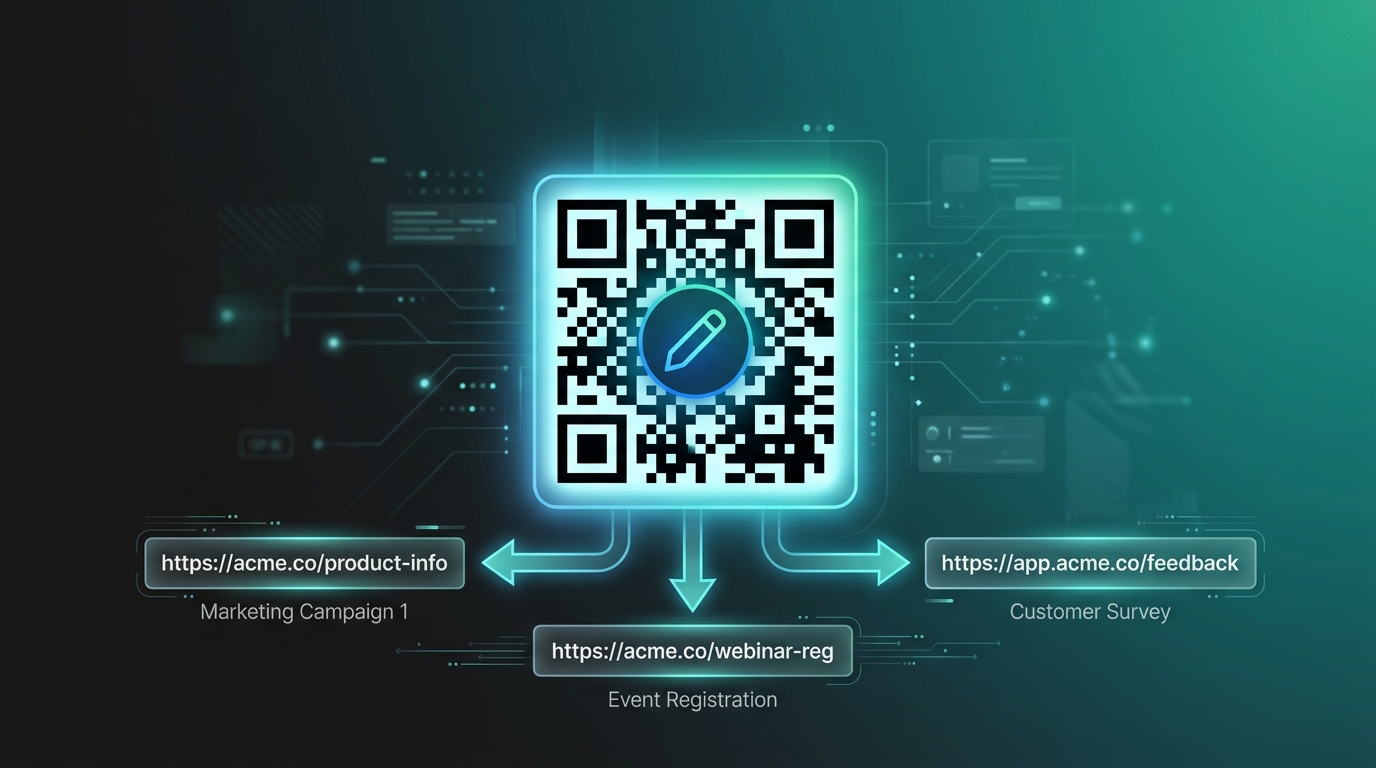
With an appropriate dynamic QR setup, the publisher may be able to update the digital destination without changing the QR code printed in the book.
This can provide significantly more flexibility than treating every printed QR code as permanently tied to one unchangeable destination.
How QRoute Can Help Create QR-Powered Children's Books
QRoute is a QR management platform that helps connect physical QR codes with digital destinations.
For publishers creating interactive children's books, QRoute can be part of a workflow that connects chapters, activities, stories, and printed pages with digital experiences.
A typical workflow can look like this:
- Create the children's book content.
- Create the related videos and digital resources.
- Create the required QR codes.
- Connect each QR code to the appropriate digital destination.
- Add the QR codes to the book design.
- Test every QR code before printing.
- Publish the physical book.
- Manage the digital destinations when required.
This approach allows the physical book to remain the foundation while QRoute helps manage the QR-powered digital connection.
To explore QR solutions for books and other physical-to-digital experiences, visit qroute.in.
How to Design a QR Code for a Children's Book
Keep the QR Code Easy to Find
Children and parents should be able to quickly understand where the QR code is located.
Add a Simple Instruction
Use clear instructions such as:
- Scan to Watch
- Scan to Learn
- Scan for a Story
- Scan for an Activity
Give the QR Code Enough Space
Avoid placing important illustrations or design elements too close to the QR code. Clear space around the code can help scanning work reliably.
Make the Digital Destination Mobile Friendly
Most readers will scan the QR code using a smartphone or tablet, so the connected experience should work properly on mobile devices.
Test Before Printing
This is one of the most important steps. Every QR code should be tested before a book goes to production.
Common Mistakes to Avoid With QR Codes in Children's Books
Using QR Codes Without a Clear Purpose
A QR code should add value. Do not add codes simply because the technology is available.
Linking to Unrelated Content
The digital content should match the page, chapter, story, or activity where the QR code appears.
Making the QR Code Too Small
A QR code that is difficult to scan can create frustration for parents and children.
Not Testing Printed Copies
A QR code that worked on a computer screen should still be tested after being placed into the actual book design and printed format.
Making the Digital Experience Complicated
The goal should be a simple experience. Children should not have to navigate through several confusing pages just to reach the promised video.
Benefits of QR Code Children's Books
- Connect physical books with digital content
- Add videos to printed learning material
- Support visual explanations
- Create interactive reading experiences
- Provide additional educational resources
- Make demonstrations easier to access
- Give publishers more ways to enrich physical books
- Create optional digital experiences for parents and teachers
QR Codes Do Not Have to Replace Physical Reading
One important point is that interactive books do not have to mean replacing books with screens.
A QR code can be used as an optional tool that supports the physical reading experience.
The child can still:
- Hold the physical book
- Turn the pages
- Read the story
- Look at illustrations
- Complete activities
The QR code simply provides access to additional digital content when it is useful.
The Future of Interactive Children's Books
The future of children's publishing is likely to include more combinations of physical and digital experiences.
QR codes provide a straightforward way to connect the two.
A physical book can become a starting point for videos, activities, audio, demonstrations, and other digital resources without losing its identity as a physical book.
For publishers, this creates new possibilities for designing books around connected experiences.
For parents and teachers, it provides another way to support children while they read and learn.
And for children, it can turn a familiar printed page into an opportunity to explore something new.
Frequently Asked Questions
What is a QR code children's book?
A QR code children's book is a physical book that contains QR codes connected to videos, activities, stories, audio, or other digital learning resources.
How do QR codes work in children's books?
A reader scans the QR code using a smartphone or tablet. The code then opens the digital destination connected to that QR code.
Can a children's book have videos?
Yes. QR codes can connect printed children's books with related videos such as storytelling, educational explanations, activity demonstrations, and animations.
Do children need a special app to scan a QR code?
In many cases, smartphones and tablets can scan QR codes using built-in camera or QR scanning features. Younger children can also have a parent or teacher help with the scanning process.
Can publishers add QR codes to books?
Yes. Publishers can add QR codes to selected pages, chapters, activities, lessons, or other parts of a book and connect them with digital content.
Can QR codes in books be updated?
If the publisher uses a dynamic QR system that supports destination updates, the digital destination can be changed without replacing the printed QR code.
Can QRoute be used for children's books?
QRoute provides QR management capabilities that can help connect printed QR codes with digital destinations, making it suitable for QR-powered book and learning experiences.
Can QR codes be used in educational books?
Yes. Educational books can use QR codes for videos, experiments, demonstrations, activities, explanations, and additional learning resources.
Conclusion
QR codes are creating a simple connection between the physical world of children's books and the digital world of video learning.
A child can read a page, scan a QR code, watch a related video, complete an activity, and return to the book. This creates an interactive experience while keeping the physical book at the center.
For parents and teachers, QR-enabled books can provide additional ways to explore stories and lessons. For publishers, they create an opportunity to add digital value to printed books and build richer learning experiences.
As children's publishing continues to evolve, QR codes can become an increasingly useful tool for connecting physical books with digital content.
Want to create interactive books with QR-powered digital experiences?
Explore QRoute at qroute.in and discover how QR technology can connect your printed content with digital experiences.