The three QR codes every table needs
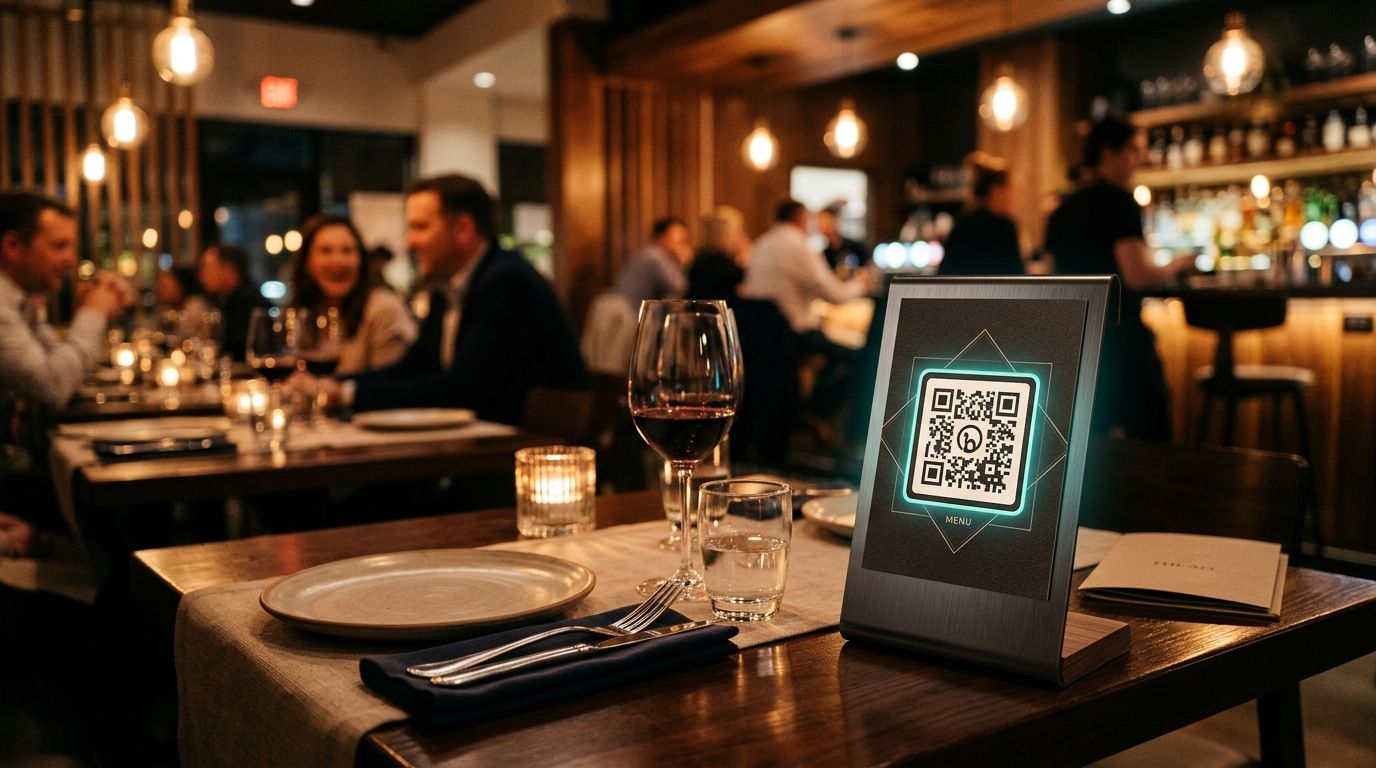
Walk into any modern restaurant and you'll find QR codes on table tents. Most are static — linked to a PDF that's already out of date. Dynamic QR codes solve this completely.
1. Digital menu QR
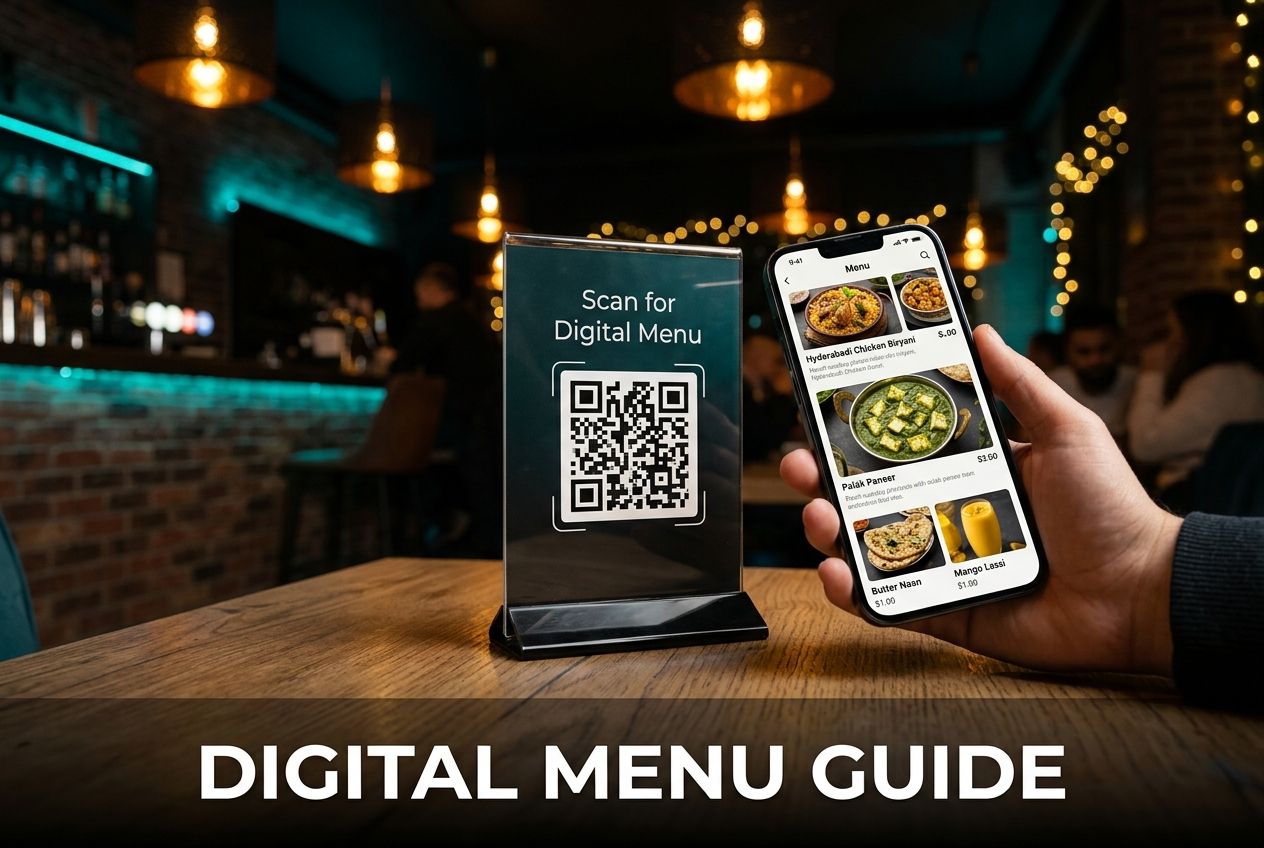
Link the code to your online menu (a hosted PDF, a dedicated menu platform, or a link page). When you update pricing or add a seasonal dish, change the destination in your dashboard — no printing, no waste. Pair it with a smart-routing rule so the lunch menu shows before 15:00 and the dinner menu after.
2. Wi-Fi QR code
A Wi-Fi QR code encodes your network name and password in the standard WIFI:... format. Guests tap, their phone connects automatically. When you change the password, generate a new static Wi-Fi code and swap the table sticker — takes two minutes.
3. UPI payment QR
Encode your UPI ID (e.g. restaurant@upi) directly. Guests pay without waiting for a POS terminal. Because the UPI payload is static (it's just your ID), you can use a static code here — but a dynamic code lets you attach a campaign tag to track which table generated the payment scan.
One QR, three experiences — with a link page
Rather than cluttering every table with three separate codes, create a QRoute link page. One scan shows three clear buttons: "View Menu", "Join Wi-Fi", "Pay via UPI". Update any link in the dashboard whenever you need to.
Analytics you'll actually use
How many guests scan the menu vs proceed to payment? Which tables get the most scans? Time-of-day heatmaps tell you peak ordering windows. All of this is available in the QRoute analytics dashboard.
Getting started
- Create a Link Page QR in QRoute with your three destinations.
- Design it with your brand colors and logo.
- Download the SVG and send it to your printer.
- Update any link any time — the printed code never changes.